Driver is a member role in Stepford County Railway. Players in this role are able to drive any trains and any routes they have owned in the game. Although being one of the most basic roles, it is also one of the most important roles in the whole operation of SCR. This is because Drivers are responsible for transporting passengers safely around the network by operating the trains smoothly and reliably as scheduled.
Procedure
Arrival
- When approaching a scheduled stop, drivers should slow down to a speed between 20 and 35 MPH[1] to avoid overshooting.
- The train should stop at the correct stop marker.
- If there is no car marker matching the amount of coaches of the train, the next higher numbered car marker should be used.
- If there are no numbered markers, stop at the 'S' marker.
- Class 80x trains should always stop at the IET stop marker.
- If the train terminates at the stop, the train should stop in front of the buffer.
- However, if the station does not have a buffer like Leighton City, or there is car markers before the buffer, like Newry Harbour and Beechley, the driver will need to stop at the correct car marker.
- If there is no car marker matching the amount of coaches of the train, the next higher numbered car marker should be used.
- After stopping, doors can be opened.
Departure
- To start the departure process, doors should be closed first.
- If the signal in front is on a Danger aspect, refrain from closing the doors until the signal switches to an aspect which allows the train to pass it, unless the train SPADed or overshot the signal.
- If a guard is onboard, press the buzzer button. Alternatively, pressing the doors button will have the same effect.
Driving
- When driving, always follow speed limits.
- When passing whistle boards, use the horn.
- Slow down to 45 MPH if the signal in front is yellow. Drivers should continue to drive at 45 MPH or slower until the next signal is double-yellow.
- Stop in front of the signal if the signal is red.
- Passing a red signal will result in a SPAD and the train will be stopped which is triggered by the TPWS (Train Protection and Warning System). After 10 seconds, brakes can be released.
- Dismiss the Automatic Warning System (AWS) if the sunflower lights up and the AWS tone is heard.
- If the AWS is not dismissed after 6 seconds, the train will apply emergency brakes and the driver will have to wait 10 seconds before proceeding.
Driver key bindings
- Main article: Key Bindings
| Action | Keyboard/Mouse | Gamepad | Mobile |
|---|---|---|---|
| Increase Throttle | W↑
|

|
GUI
|
| Decrease Throttle | S↓
|

|
GUI
|
| Accept AWS alert Release Emergency Brake |
QGUI
|

|
GUI
|
| Toggle Schedule Window | D7GUI
|

|
GUI
|
| Toggle Operator Map | M6GUI
|

|
GUI
|
| Enable Passenger Doors Close Passenger Doors |
T1GUI
|

|
GUI
|
| Signal Bell (Buzzer) | T1GUI
|
|
GUI
|
| Sound Horn | H3GUI
|

|
GUI
|
| Cycle Camera Mode | C5GUI
|

|
GUI
|
| Activate diesel power | EGUI
|

|
GUI
|
| Activate battery power | BGUI
|
|
GUI
|
| Activate electric power | PGUI
|
|
GUI
|
| Adjust/Snap Camera Zoom In |  I
|

|
Pinch
|
| Adjust/Snap Camera Zoom Out |  O
|

|
Pinch
|
| Adjust/Snap Camera Rotation |  ← →
|

|
Pan
|
| Adjust/Snap Camera Pitch | Page UpPage Down
|
|
Pan
|
| Reset Camera Roation/Pitch | V
|

|
N/A |
| Next Tutorial Message | EnterReturnSpaceGUI
|

|
GUI
|
Related ranks
There are four ranks in the game that are related to the Driver role:
- Trainee Driver
 - the lowest driver rank in the SCR Group. Simply join the group, that’s all.
 - Qualified Driver
 - gained by passing a Qualified Driver Training as a Trainee Driver.
 - Driving Department Supervisor
 - a Supervisor rank responsible for training and supervising drivers. (Formerly Lead Driver
  )
) - Driver Manager
 - a Manager rank who is in charge of all drivers and making sure that drivers do their job.
Avoiding Consequences
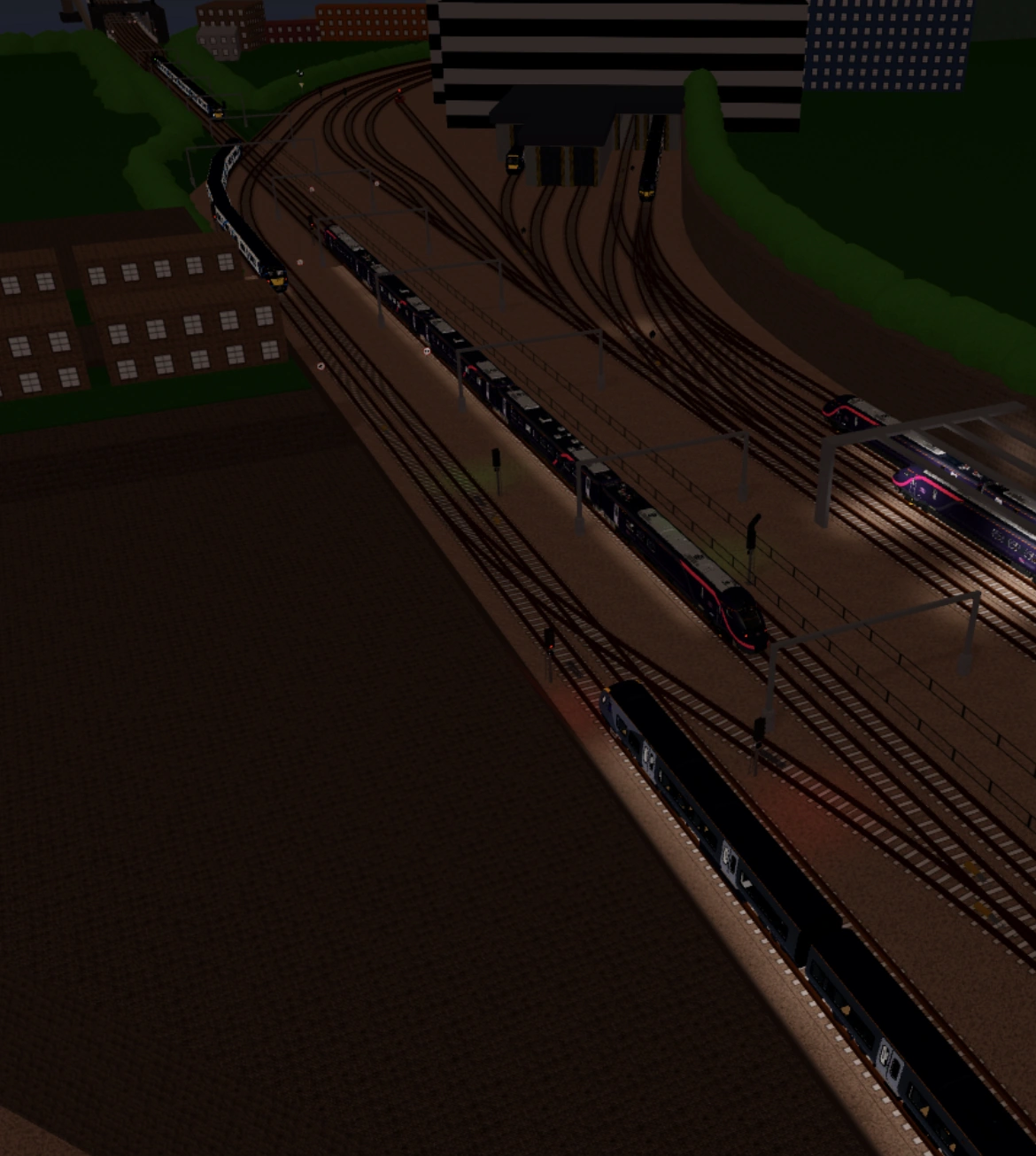

A Class 707 driver blocking all tracks, causing confusion and delay.
- Be respectful to other players regardless of their rank. Follow the instructions given by Supervisors+.
- Do not trespass whilst in a public server. This includes entering railway properties and restricted areas.
- Platform jumping and walking on canopies is not allowed.
- Do not drive slowly unless the driver is needed to slow down on approach to stations or a signal at caution or danger, or obeying speed limits.
- Drive properly, stop at the correct marker, do not go past the Red Signal (try to avoid having a SPAD) and follow speed limits.
- SPAD trapping or intentionally ignoring AWS is not allowed.
- Don't skip any scheduled stops.
- Abusing the Qualified Driver rank repeatedly may get the player being demoted to Trainee Driver. Offenders could be temporarily or permanently blacklisted from trainings if there are prior demotions.
- If players do find themselves overrunning a station platform, or the correct stop marker, then they must still stop and load passengers. Don't just forget it and drive on.
- In the rare event that players are unable to see out of the cab window, e.g. in the event of a collision with another train, ensure to stop and respawn. Do not continue to drive as this could result in a SPAD.
- If there is a bug that makes your train freezes, respawn immediately.
- Do not spam.
- Use common sense.
Trivia
- Drivers cannot enter cabs. Instead, a dummy is placed on the seat.
- The old image for the Driver icon is Tr_ain, a former Driver Manager (then called Head of Driving Operations).
- Drivers earn 5 points for stopping at each station successfully and 10 points for terminating at a terminus, overshooting a station reduces the amount of points received.
- The driver gains 1 experience for each station successfully stopped at, this is granted at the end of the route after terminating.
- This means despawning before terminating will grant no experience.
- In the new image for the Driver icon, the avatar is wearing the Trainee Driver uniform.
| ||||||||||||||
| ||||||||||||||
- ↑ As per the Driver Guide from the SCR training tab.